What a bad password can lead to
It seems that weak passwords are the lot of private users and small companies. In fact, an irresponsible attitude toward passwords leads to negative consequences even at the level of international organizations and structures. Here are a few examples of a lackadaisical attitude toward data protection:
- Nutella advised its subscribers to use the word “Nutella” as a secure password.
- A White House employee forgot a piece of paper with an unprotected email password written on it at a bus stop.
- A student from India interned at Google and was able to access the company’s satellite through the admin panel by simply leaving the login and password fields blank.
- The data of more than 14 million voters in the US state of Texas became available online simply because the server was not password protected.
- United Nations employees store documents in Trello and Google Docs that are not password protected. They are accessible to anyone via links.
What should be done? Fix the mistakes! They can be divided into three groups: critical, serious, and minor.
Critical errors
These lead to fatal consequences. They are the result of indifference to data security.
Primitive and weak passwords
For several years, SplashData has been compiling a ranking of the worst passwords of the year. In 2018, the top ten of the top 50 worst passwords looked like this:
Password
- 123456
- password
- 123456
- 123456
- 12345
- 111111
- 123456
- sunshine
- qwertry
- iloveyou
If you look at the company’s research over several years, it becomes clear that the situation is getting worse.
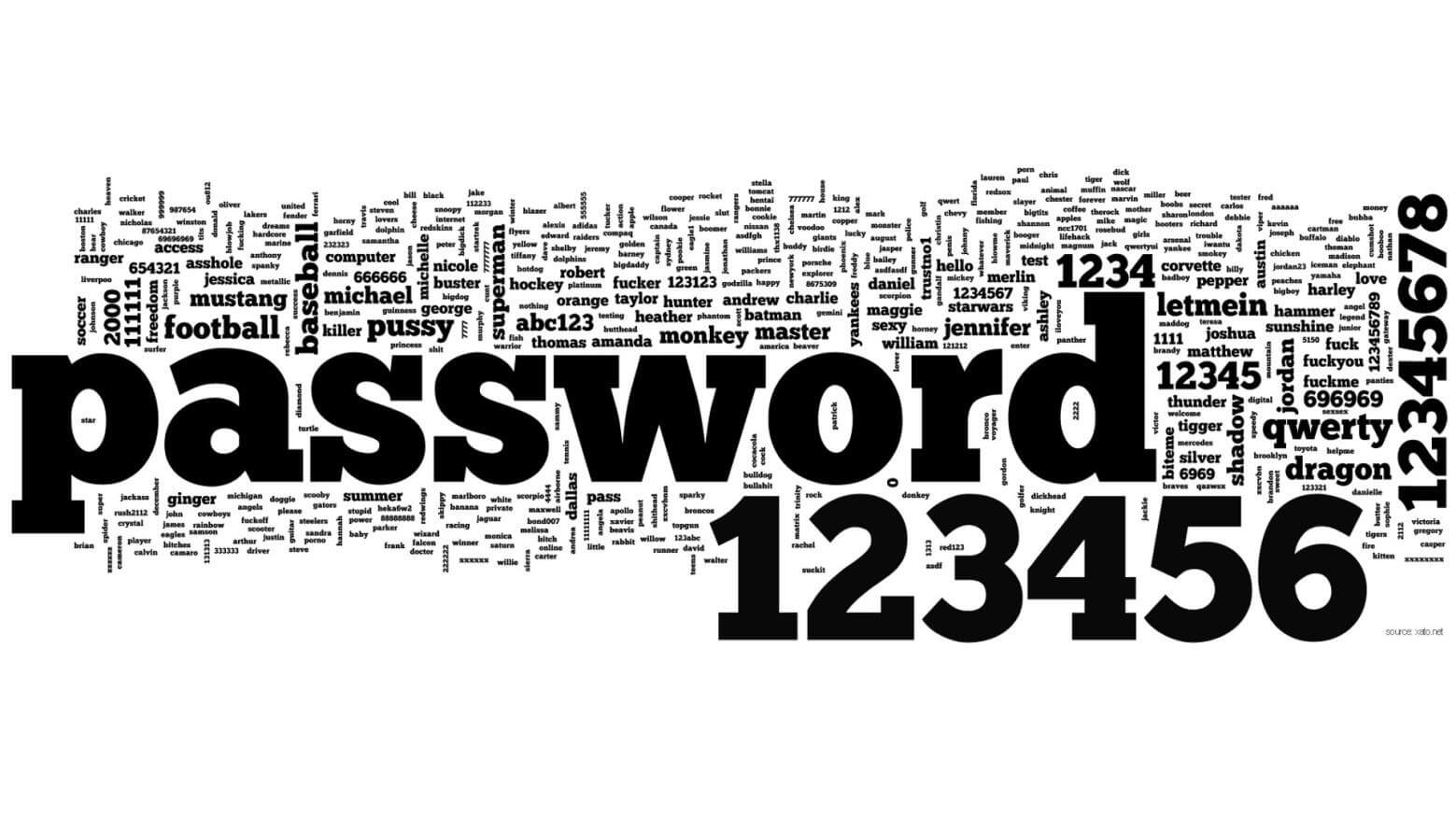
People continue to use primitive passwords, which can be grouped into the following categories:
- Two-word passwords: tanyatanya, dindin, “sashamash”
- Words with numbers at the end: ivanov1994, football2018, login1234
- Default system passwords: guest, user, default
- Words from English and other dictionaries: sweet, “family,” myhouse.
- Words with letters replaced by numbers or special characters: 0ldboy, p@ssword, $elphi.
- Keyboard character sequences: “qwerty” or “123456”.
- Well-known number combinations: “112,” “0911,” “777,” etc.
- Your personal data: filimovi, max-piter, and others, including your address, phone number, etc.
The same passwords for all programs and services
Users may have the same login and password for all social networks and dozens of different websites. This is unsafe, so it is better to do the following:
- For critical resources (email, payment systems, messengers, and social networks), use complex and long passwords with random combinations of upper and lower case letters, numbers, and special characters. Example: S9Scap$iDPRZ.
- For important resources (educational websites, alternative email accounts), use passwords where length is more important than complexity. Example: hrGbWzeCjZSqUl.
- For less important resources (forums, entertainment portals, torrent trackers), come up with simple but not primitive passwords. Example: metHalPh.

To avoid having to remember dozens of passwords, you can use a special manager that stores them in encrypted form. However, you also need to protect it with a master password and think about where and how it will be stored. Another tip is to change the characters in passwords for unimportant resources and not to repeat them in passwords for particularly important ones.
Openly recorded logins and passwords
A number of experts recommend not writing down passwords, but you will most likely forget them. In this case, you can write them down, but do not store them in accessible places:
- Stuck on your desk or hidden under your keyboard or office equipment.
- On your computer desktop in text files, it is better to hide them in a password-protected archive.
- In your browser (this is especially true for critical programs and services).
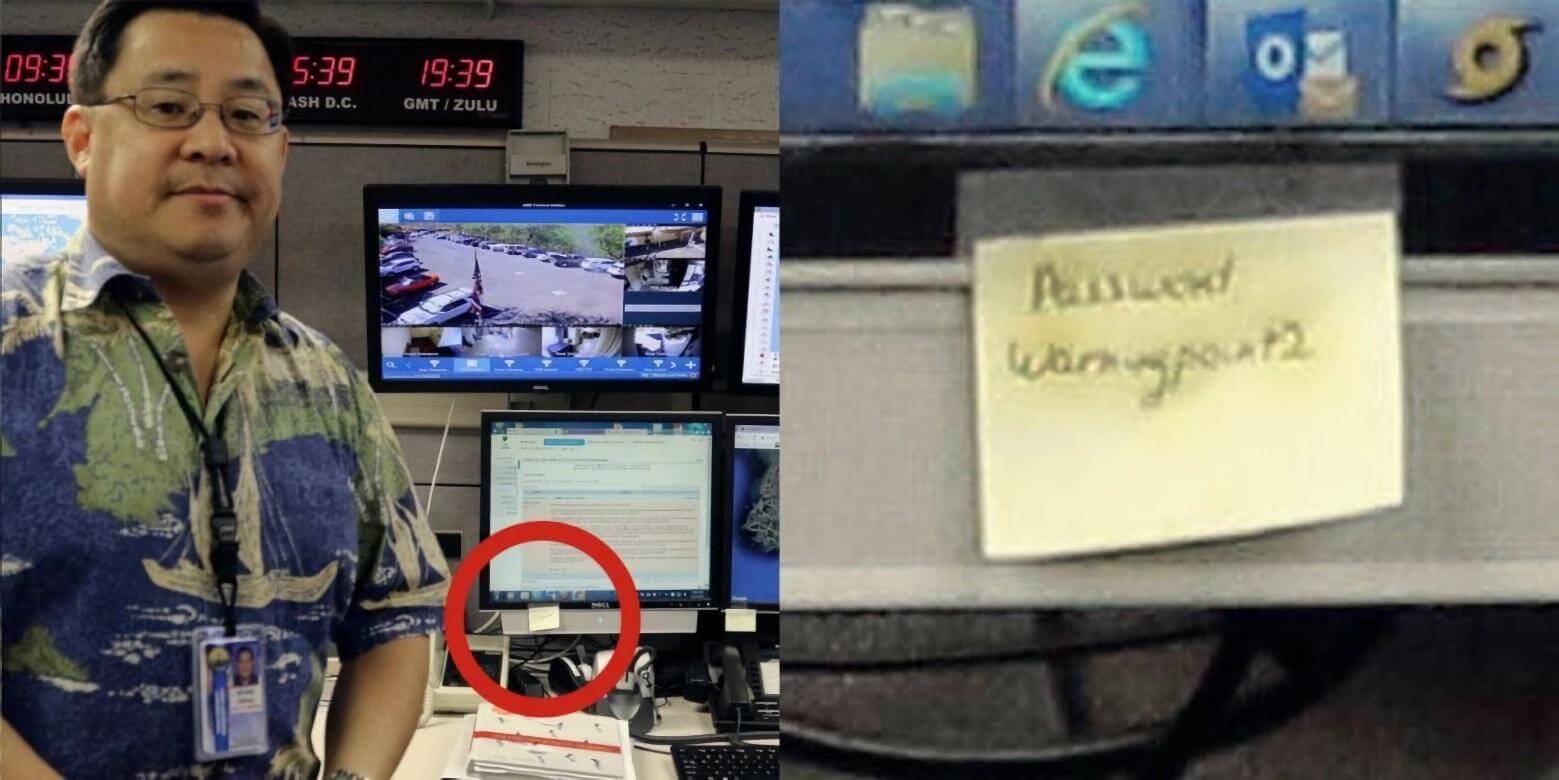
You can keep a special notebook for passwords, but store it in a place that is not obvious.
Easily recoverable passwords
Attackers may not take the direct route: they will try to recover password access to the resource rather than hack it.
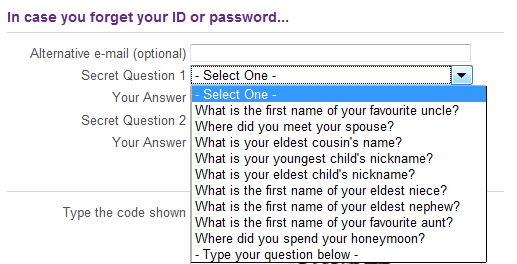 In this case:
- Securely protect your recovery email address.
- Choose a secret question that only you know the answer to.
Discredited and expired passwords
If you suspect that your password has been compromised by attackers or has remained unchanged for a long time, you need to change it as soon as possible, even before the service detects an attempt to hack your account:
-
- Changing your password automatically increases the time it takes to hack it.
- The time an attacker can remain in the system with a compromised password will be limited.
Serious mistakes
Lead to serious negative consequences. They are the result of ignorance in the field of data protection.
Short passwords
With a competent approach, password length takes priority over complexity, because in this case the number of possible combinations increases. Mark Burnett, a security researcher, argues in his book Perfect Passwords that a password 12–15 characters long is more secure than a short one made up of a random sequence of characters.
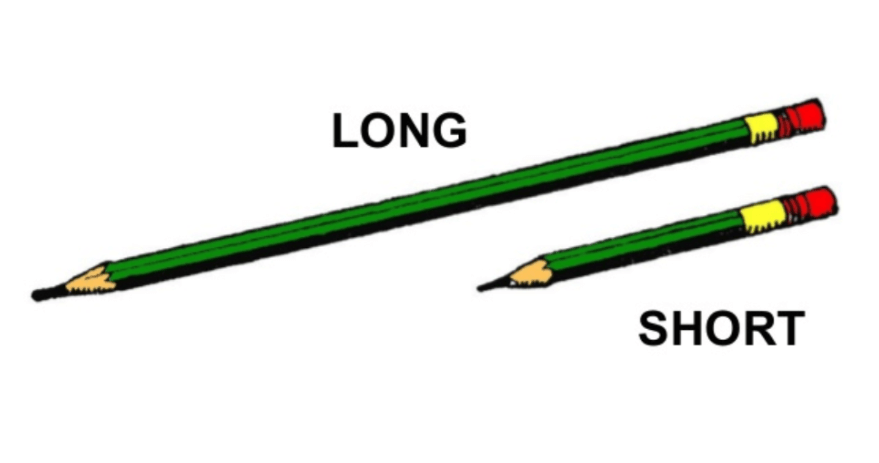
Instead of racking your brains over a complex password (which you may then forget), it is better to choose a simple, long one and add a few letters or numbers to it. Instead of T@MQ36n^iL, use bREsTeMPosParDATIckl.
Very complex passwords
Complexity is determined by two factors:
-
- Ease of guessing. Depends on how the password is stored and what it is used for.
- The average number of attempts to guess the correct password. This depends on the length, order of characters, and method of creating the password.
Very complex passwords (consider the example – mrCmTF%Lz^Y*k#o@prjL2O) are difficult to remember. As a result, people start writing them down on paper, in their smartphones, or on their computers.
Meanwhile, American cryptographer Bruce Schneier recommends writing such passwords on small pieces of paper and keeping them in your wallet. Mnemonic passwords, which are easy to remember, can help solve the problem of using very complex options.
Incorrect use of special characters
Almost all services require the use of letters, numbers, and special characters when creating passwords. This is a reasonable requirement, but users distribute them unevenly in their passwords. For example, numbers and special characters are placed at the end of the password, and capital letters at the beginning – Okn@333. An example of an even distribution of characters in a password is kIs$t0cHk@.
Ignoring alternative security measures
You cannot rely solely on a complex password for the most important services. Sophisticated phishing attacks, such as a friend asking you in a private message to vote for them by clicking on a link, will render this method of protection useless.
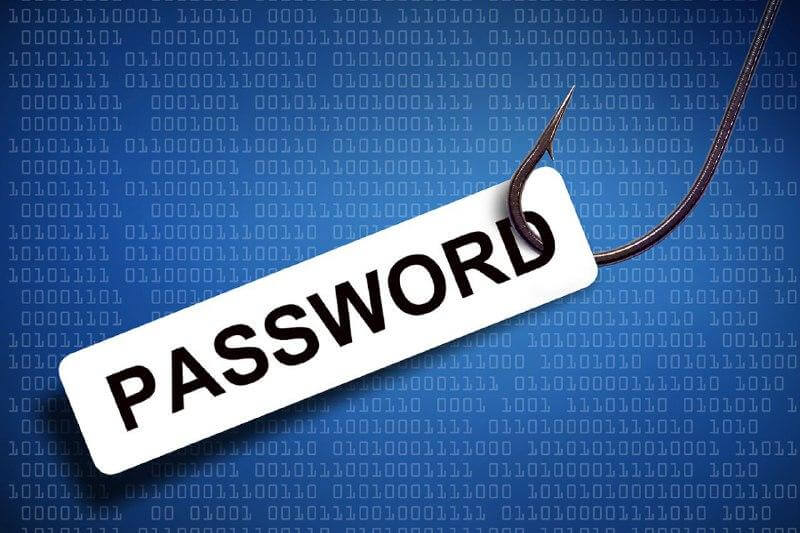
The solution is to use two-factor authentication: you enter your password and then receive an SMS with an access code to the resource.
Shortcomings and recommendations
Knowing the first and following the second will lead to the competent use of passwords.
Frequently changed passwords
If a person constantly creates new passwords — voluntarily or at the request of management — sooner or later they will start making each subsequent password easier to remember than the previous one. For example, adding a number at the end — “h0lst1”, “h0lst2”, etc.
It is better to come up with long passwords right away and keep them for a long time. If you have any doubts about security, change them immediately.
A sensible approach to changing passwords
If you have created a strong and complex password, don’t think that someone will immediately try to hack it “to the bitter end.” For example, banks use very serious security measures, so hacking attempts often lose all meaning.
Use automatic password generation
No matter how responsible people are, they create passwords based on their own thinking patterns, and attackers are aware of this. Research and analysis of passwords have shown that 40% of them can be guessed using software methods. Often, when creating a password, people include information that is directly related to them and/or their environment.
Automatic generation eliminates the connection between the password and the user’s identity. A randomly selected password is created from a huge array of data, and it is very difficult to guess.
A side effect of auto-generation is that it is difficult to remember (consider the example T2tgU#&y59kUOo^). The password has to be written down. We have already advised on how to store such records. It is important to note that a password is only one, and often not the most important, means of protection. To understand how secure your data is, conduct an information security audit. If it is insufficient, you need to increase the overall security level of your IT infrastructure and, if necessary, assess its compliance with regulatory acts.
 Previous article